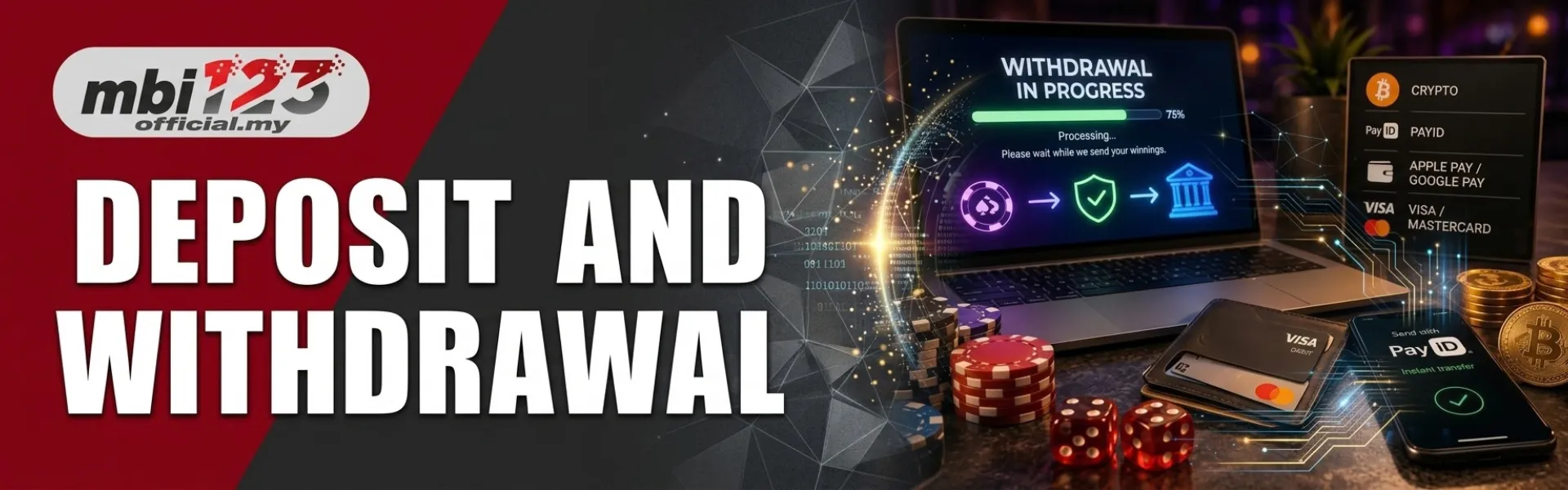
An MBI123 deposit is the ringgit you send into the wallet. A withdrawal is the ringgit you ask the cashier to send back to a bank or e-wallet in your own name. Both happen after you log in on mbi123official.my. A banner, a group chat, and a payment page on another domain are not the cashier.
Type the address yourself and bookmark it before you send money. The amount on the deposit screen is the amount you pay, including sen. The name on the payout account is the name you typed at registration. 18+ only.
Deposit and withdrawal are two different tickets.
A deposit receipt proves you sent money in. It does not prove a cash-out. An open withdrawal request doesn’t sit on the same line as a completed deposit. Read the wallet labels before you type an amount. Bonus funds and unfinished wagering stay locked until the live bonus card says they are clear. Only the withdrawable figure can leave.
| Deposit | Withdrawal | |
| Direction | You send ringgit in | You ask for ringgit back |
| Where | Cashier after Login | Cashier after Login |
| Name | Pay from an account in your own name | Receiveit inn an account in that same name |
| Proof | Keep the receipt until the wallet updates | Keep the request time in Malaysia Time |
| If it is late | One receipt screenshot in Contact Us | Wait for the first request to close |
Open the cashier on the site you typed
Use the deposit or withdrawal button inside your logged-in account. Do not pay a number that arrived in WhatsApp, Telegram, or SMS. Those messages can copy the logo and still send the money somewhere else.
- Open https://mbi123official.my/ from the bookmark.
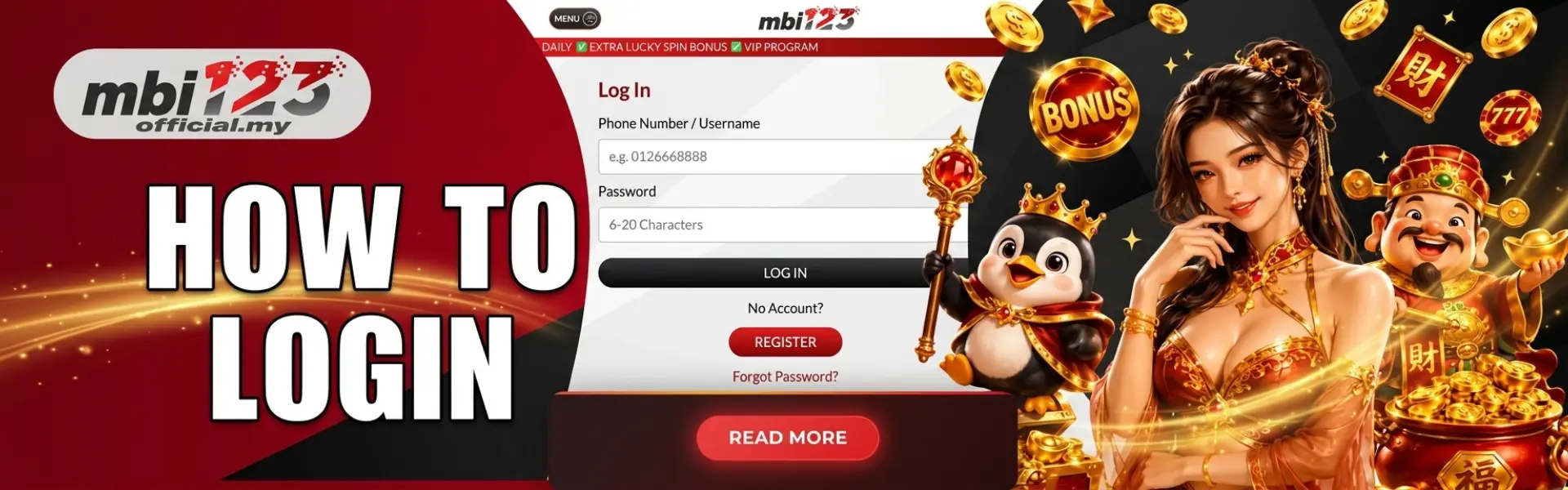
- Log in with the mobile you used at sign-up. If an SMS code appears, read it on that phone. Do not forward the code to a chat.
- Open the cashier. Guests see banners. Members see Deposit and Withdrawal. If the button still says Login, you’re not in the cashier yet.
- Read the method, the minimum, the maximum, and the amount on that screen. Those lines count today.
If the page you landed on is not mbi123official.my, close the tab. Do not enter the password, and do not upload a receipt there.
How an MBI123 deposit works
The cashier shows the methods switched on for your account. Malaysian members often see DuitNow, Touch n Go eWallet, or a transfer from a bank in their own name. If a method is not on the screen, it is not available for that session. A list in an old article does not add it.
DuitNow or e-wallet
Pick the method, copy the amount including sen, and pay from the wallet that is already in your name. Wait on the receipt screen until it shows a reference. Then return to the MBI123 wallet and watch the balance. Do not start a second transfer because the first one feels slow.
Bank transfer
Use the account name and reference printed on the cashier for that deposit only. A reference from yesterday, or a number a stranger sent you, is a different payment. Upload the receipt inside the same logged-in session if the screen asks for it. Crop the image so the amount, the time, and the reference are readable.
- Pick one method that is already in your name.
- Copy the amount exactly, including cents. Do not round it.
- Pay, then keep the receipt until the wallet balance changes.
- If the balance does not move, send one receipt screenshot to contact us. A second payment for the same missing deposit slows the check.
The listed line on this website is +60 7-431 7000 (07-431 7000 inside Malaysia). Call only after you have the receipt photo ready. No one from MBI123 will ask for your password or SMS code in a private message.
How an MBI123 withdrawal works
A withdrawal is a request, not a second deposit. Staff check that the payout name matches the account name. That check is why a first cash-out can take longer than the deposit that just landed. There is no single time for every method. Read the note printed next to the method you picked.
- Link a bank or e-wallet in your own name before you request a large amount. The name should match the bank account you will be paid to and the name you typed at registration.
- Open withdrawal in the cashier. Look at the withdrawable balance, not the bonus balance.
- Enter an amount within the minimum and maximum printed on that method.
- Confirm once. Save the request time in Malaysia Time. Two quick taps can open two requests.
- Wait for that request to close before you open another one for the same balance.
Weekends and public holidays add bank time after the cashier marks the request as sent. A deposit that is credited quickly doesn’t mean a withdrawal will return in the same number of minutes.
Bonus money and the cashier
A promotion banner does not change the time on the cashier. If you accepted a bonus, open the live card again and check four things: whether it needed a deposit, whether you must wager the deposit, the bonus, or both, whether slots and live casino count the same, and whether a max withdrawal is printed.
Wagering can lock your wallet until you finish the requirement. You can skip the bonus and play with the deposit only. Current offers are listed under promotions. A screenshot from a group chat is not today’s
What to check before you send ringgit
- The address bar is mbi123official.my, opened from your bookmark.
- The payout account name matches the name you registered.
- The amount includes sen and matches the cashier, not a rounded figure from chat.
- You have read the live bonus, or you have chosen not to claim one.
- The session amount is money you can lose. Month’s money doesn’t belong in this wallet.
Games in the same wallet are listed under Slots, Live Casino, and Sports Betting. Depositing does not require you to open every lobby on the first night.
If the money is late
One ticket is enough. Send the receipt, the amount in ringgit, the method, and the time in Malaysia. Opening three chats with the same photo splits the check. Do not send the password, the SMS code, or an e-wallet PIN in that chat.
Compare the phone and the office line with the footer before you call:
MBI123
89 Jalan Rahmat, 83000 Batu Pahat, Johor, Malaysia
+60 7-431 7000
A message that offers a new official link is not a cashier update. Stay on the bookmark. Account rules are in the terms and conditions. The privacy policy explains how sign-up and payment data are stored; if you need a break from deposits, set a responsible gaming limit while you are calm.
What this page will not claim
- A transfer time the cashier does not print today.
- A payment method that is missing from your logged-in screen.
- A cash-out of bonus funds before the live wagering rule is finished.
- A “newofficialk” sent in a private message.
Questions about the MBI123 cashier
How do I deposit on MBI123?
Open mbi123official.my from your own bookmark, log in, and open the cashier. Pick a method shown that day, copy the exact ringgit amount including sen, pay from an account in your own name, and keep the receipt until the wallet updates.
How do I withdraw from MBI123?
Log in, open the cashier, choose withdrawal, and send the amount to a bank or e-wallet in the same name as the account you registered. A first withdrawal can wait while staff matches that name. Do not open a second request for the same balance.
Which payment methods does MBI123 show?
The cashier lists the methods switched on for your account that day. Malaysian members often see DuitNow, Touch ‘ n Go, and a named bank transfer. If a method is missing from the screen, it is not available for that session.
What if my MBI123 deposit does not show?
Stay on the site you bookmarked. Open Contact Us and send one screenshot of the receipt, the amount, and the time in Malaysia. The listed phone number is +60 7-431 7000. Staff will not ask for your password or SMS code.
Can I withdraw an MBI123 bonus before wagering is finished?
No, if the live bonus you accepted locks the wallet until wagering is done. Read that card after logging in before you claim it. You can play with the deposit only.